Course description
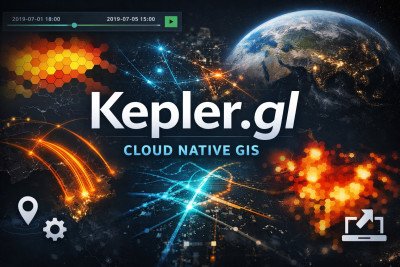
Kepler.gl Cloud Native GIS is a practical, hands-on course designed to introduce learners to modern, cloud-based geospatial data visualization using Kepler.gl, a powerful open-source, web-based mapping platform developed by Uber.
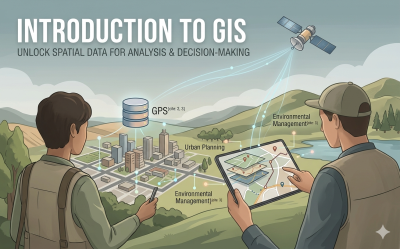
In today’s data-driven world, spatial data plays a critical role in decision-making across industries such as urban planning, public health, logistics, environmental management, business analytics, and research. This course equips learners with the skills to transform raw geographic data into visually compelling, interactive maps that communicate insights clearly and effectively.
Participants will begin by understanding the fundamentals of geospatial data — including common file formats such as CSV, GeoJSON, and shapefiles — and how to properly structure data for visualization. From there, the course moves into practical application within Kepler.gl, covering:
-
Uploading and managing spatial datasets in a cloud-native environment
-
Creating and customizing map layers (points, arcs, heatmaps, hex bins, clusters, etc.)
-
Styling maps using color scales, filters, and tooltips
-
Applying time-based animations to visualize trends and movement patterns
-
Filtering and analyzing spatial patterns
-
Combining multiple datasets for deeper insights
-
Exporting and sharing interactive visualizations for presentations and web publishing
A strong emphasis is placed on data storytelling — helping learners move beyond basic maps to create impactful visual narratives that support real-world analysis and strategic decision-making.
This course is ideal for analysts, researchers, GIS beginners, policy professionals, and data enthusiasts who want to leverage cloud-native GIS tools without needing advanced programming skills. By the end of the course, participants will confidently build professional-grade interactive maps and dashboards that turn complex geospatial data into clear, actionable insights